New message
Message a new contact first — from the regular New message window; the conversation opens right after you send.
Normally a chat appears when a customer writes to you. When you need to message first, press the New message button (the pencil icon next to the search box, top left). It is the same window you write from on any inbox — for Lalexi channels it can start a chat with a number that isn't in your contacts yet.
How to send
-
Press New message next to the search box.
-
In the To field type the recipient's phone in international format (for example
79161234567, a+is fine too) or, for Telegram, an@username. If no such contact exists yet, the suggestion Start a chat with … appears — pick it. If the contact already exists, pick it from the list.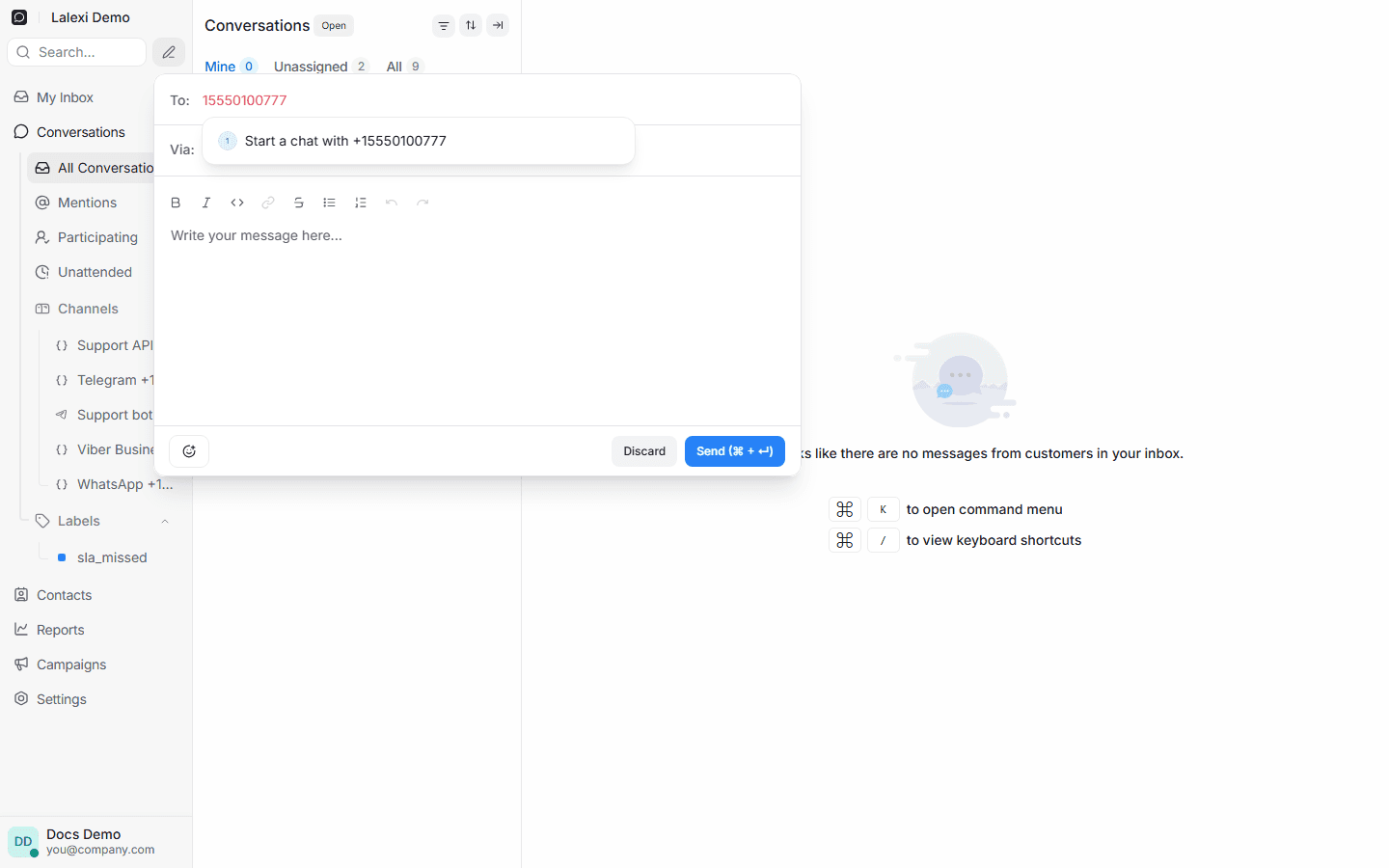
-
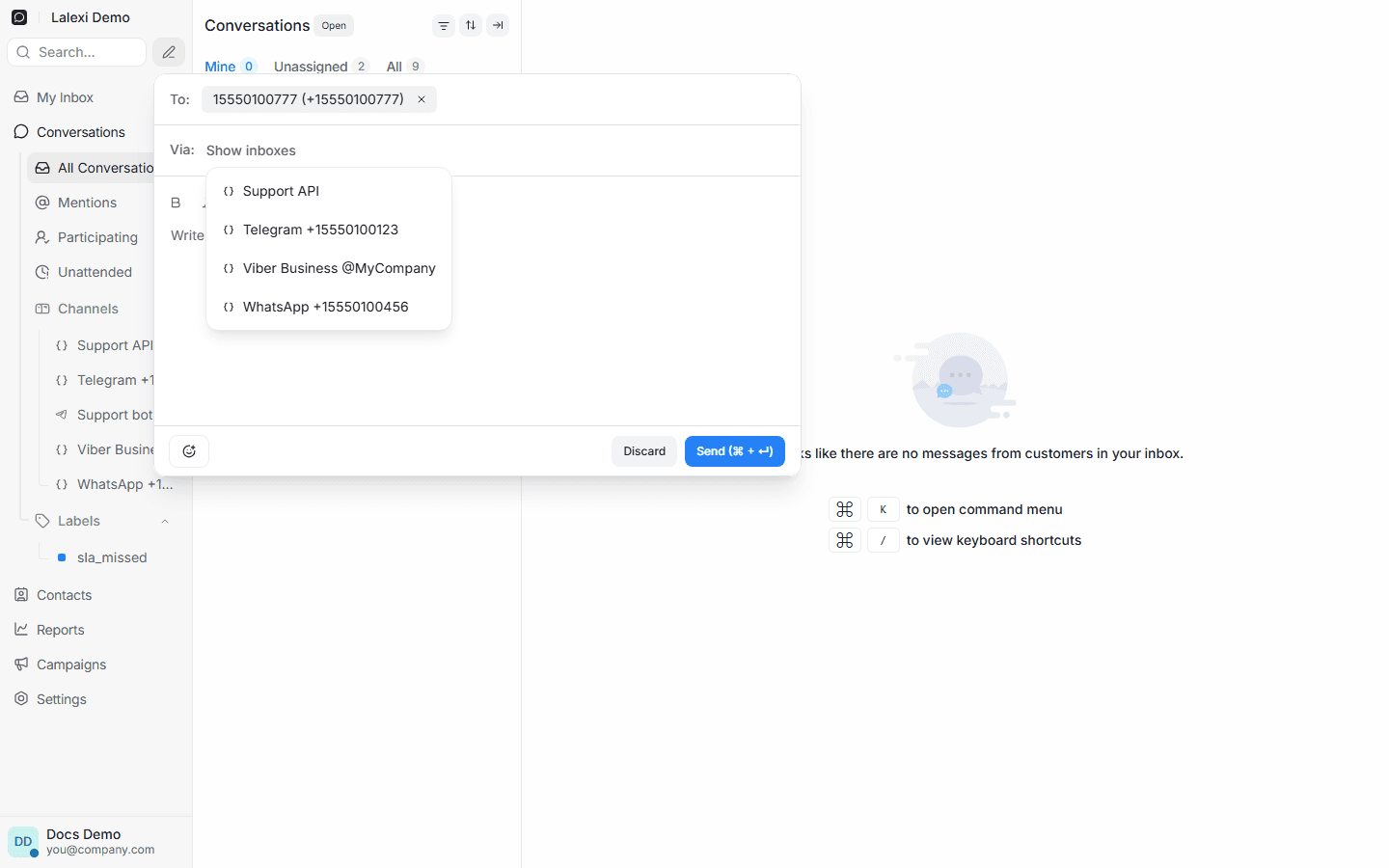
In the Via field pick the connection you are writing from. The list opens by itself as soon as the recipient is chosen.
-
Type the text and press Send. The conversation opens in the shared list right after.
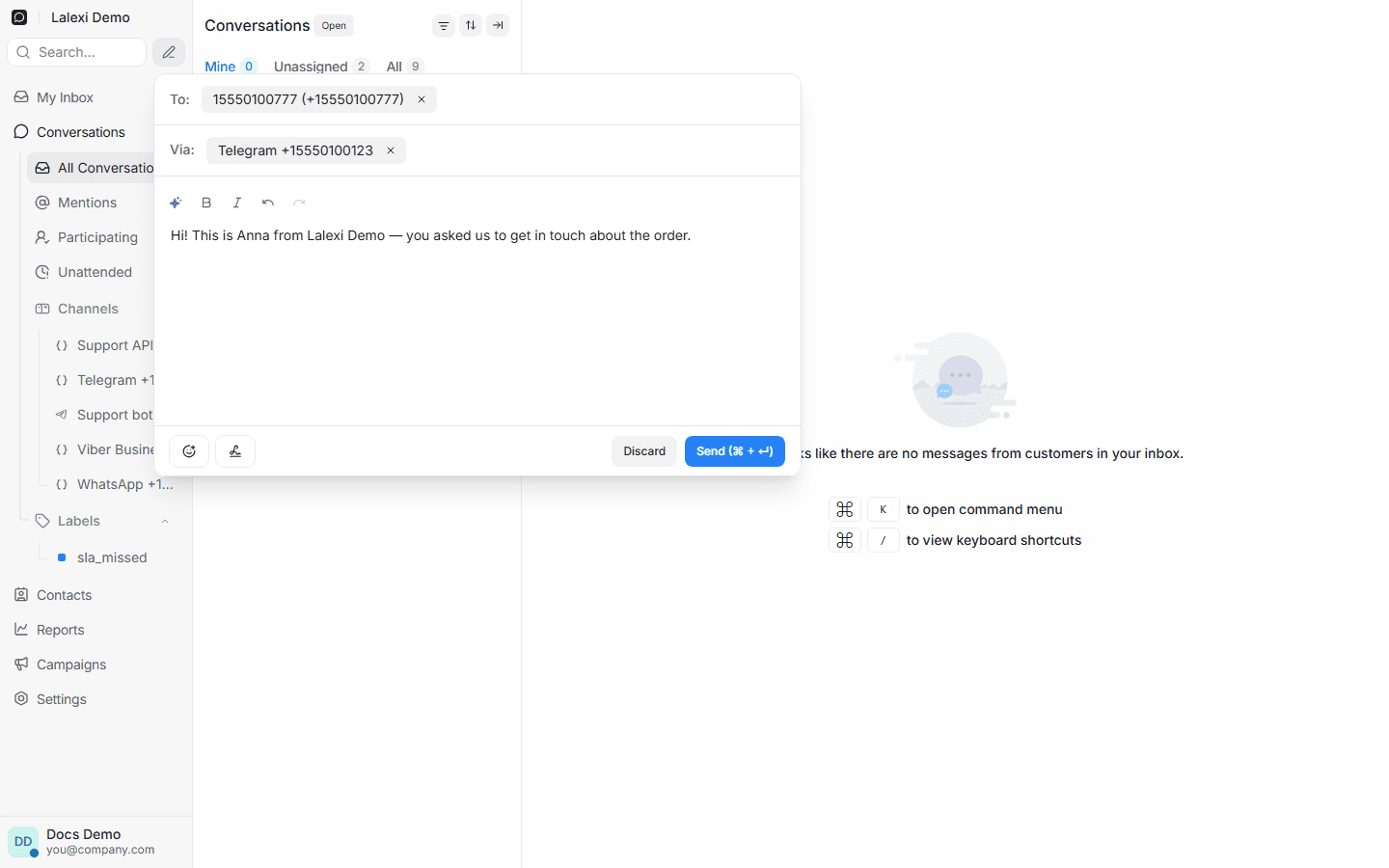
For Telegram the To field also accepts an @username, not just a phone
number — the contact is created with it and the message goes out by handle.
Good to know
- Via only offers connected channels visible to you: personal accounts and Viber Business. Bots (MAX Bot, Zalo Bot, Viber Bot) and Avito cannot write first and aren't listed; neither are dropped connections.
- The first message into a new chat is text only. Attachments can be sent once the conversation exists.
- If the recipient can't be reached on this channel (number not registered or restricted by privacy settings), the send won't go through — Lalexi tells you.
- Duplicates are guarded: if the same message was just sent, it won't be sent twice.
- The first message you send counts as billable — see Usage.
- The message is authored by whoever pressed Send — in the chat and in the agent reports alike.
A link from your CRM
If you run your own CRM, a customer's card can link straight into the chat
with them — a link like
…/app/start?messenger=telegram&phone=%2B79161234567&text=…. Lalexi opens the
latest conversation with that person or, if there is none, the New message
window with the recipient filled in. Ask your manager how to build such a
link.