Telegram
How to link a personal Telegram account to Lalexi: signing in through Devices with a QR code.
This links a personal Telegram account — Lalexi signs in as another device and sees the conversations. The phone keeps working.
If you need a bot (@your_bot) rather than a personal account, see
Telegram bot.
What you need
- A phone with Telegram signed in on that account.
- The cloud password (2FA) if the account has one.
- A free slot in the connection limit.
How to connect
- Open Settings → Inboxes and press Add Inbox.
- Pick the Telegram Personal tile and press Connect. A linking tab opens.
- The first step is the cloud password. If two-factor protection is on, type the password; if not, press Skip (I don't use 2FA).
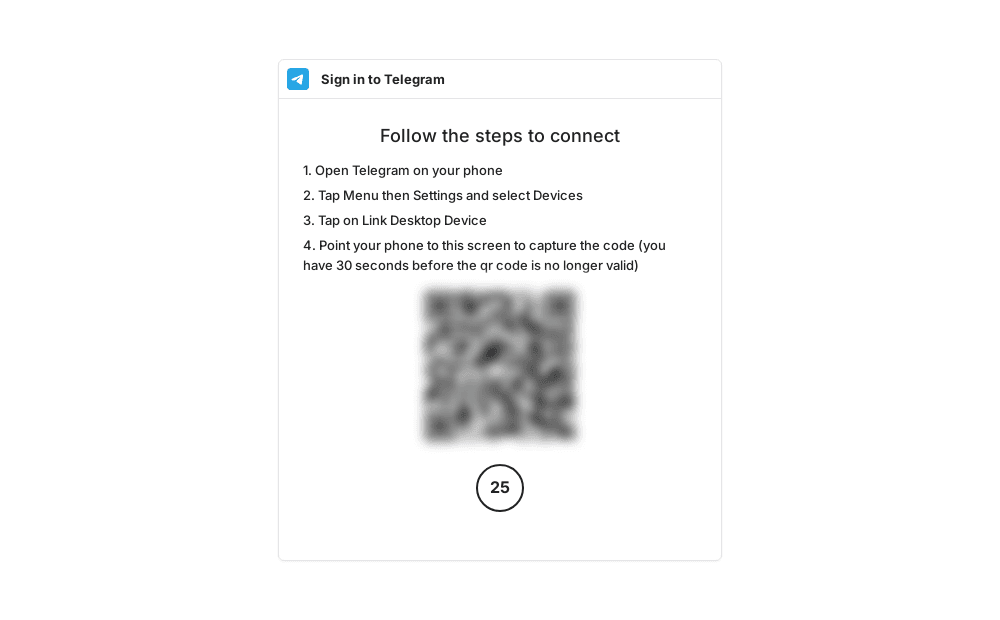
- A QR code and instructions appear. On the phone: Telegram → Settings → Devices → Link Desktop Device.
- Point the phone at the QR code. It is valid for 30 seconds — if you miss it, it refreshes itself.
- Return to Lalexi: the page moves on its own to the Connection tab of the new inbox, with the Connected status.
The password step comes before the QR code, not after. If you don't have a cloud password, just press "Skip" — nothing is being skipped over.
After linking
Choose which chats to mirror — on that same Connection tab. Until the filter is saved nothing is imported: Sync settings.
Only one-to-one chats are synced; groups and channels are not mirrored.
The account can use New message and
campaigns — including by @username, not only
by phone number.
If something goes wrong
| Symptom | What to do |
|---|---|
| Status Reconnect required | The session dropped or the device was revoked in Telegram. On the Connection tab press Reconnect and link again. |
| The QR code expired | It refreshes itself; if the tab has been open for a while, reload it. |
| The password isn't accepted | It's the Telegram cloud password (2FA), not an SMS code. It can only be reset inside Telegram. |
| No chats show up | Sync settings aren't saved, or the import is still running. |
WhatsApp Business Account
How to create a WhatsApp Business Account (WABA) at Meta: the app, the phone number, the two IDs and a permanent token — and how to free a number already used by regular WhatsApp or another business account.
Telegram Personal (alt)
How to link a personal Telegram account through Telegram Personal (alt): QR code or login code, and bot buttons and commands right in the chat.