How to link a personal WhatsApp number to Lalexi by QR code — the main gateway and a fallback one.
This links a regular WhatsApp number — the one you use from your phone. Lalexi connects as another linked device; the phone keeps working.
If you need an official number on the business API, that's WhatsApp Business — a different guide.
What you need
- A phone with WhatsApp signed in on that number.
- A free slot in the connection limit.
How to connect
- Open Settings → Inboxes and press Add Inbox.
- Pick the WhatsApp Personal tile and press Connect. A tab with a QR code opens.
- On the phone: WhatsApp → Settings → Linked devices → Link a device.
- Point the phone at the QR code.
- Return to Lalexi: the page moves on its own to the Connection tab of the new inbox, with the Connected status.
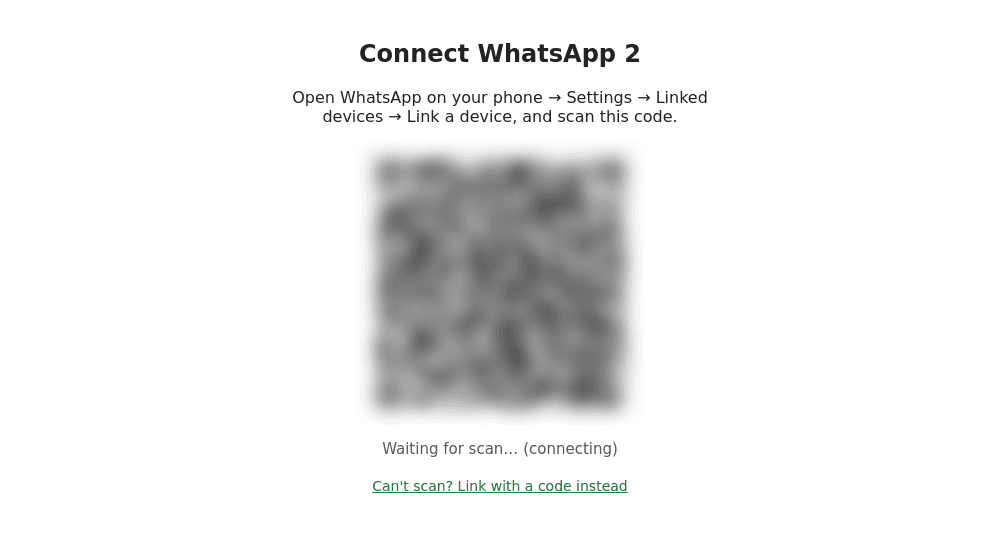
If the QR code won't scan, the linking page has a "Can't scan? Link with a code instead" link — enter the number, then on the phone choose Link with phone number and type the code shown.
WhatsApp Personal and WhatsApp Personal (Alt)
There are two tiles in the channel list: WhatsApp Personal and WhatsApp Personal (Alt). It's the same messenger through different gateways. If linking or sending doesn't work through the main one, try (Alt) — otherwise the connections behave identically.
After linking
- Choose which chats to mirror — on that same Connection tab. Until the filter is saved nothing is imported: Sync settings.
- Warm a new number up if you just bought it — a sudden spike in activity gets numbers blocked: the Start warm-up button on the same tab, or Warm up.
The number gets everything: New message, campaigns and warm-up.
If something goes wrong
| Symptom | What to do |
|---|---|
| Status Reconnect required | The WhatsApp session dropped (the phone was offline for a long time, say). On the Connection tab press Reconnect and scan the QR again — history is kept. |
| Status Rate limited | The messenger is holding back sending. Slow down, and run warm-up before a large campaign. |
| The channel tiles are inactive | The connection limit is used up — see Limits. |
| No chats after linking | Sync settings aren't saved yet, or the import is still running — press "Reload chats". |
Connections
All Lalexi channels with links to the guides: WhatsApp, WhatsApp Business, Telegram, MAX, Zalo and Viber bots, Viber Business, Avito, Cian and the website chat.
WhatsApp Business
How to connect an official WhatsApp Business number through the WhatsApp Cloud API: Meta keys, form fields, webhook, the 24-hour window and templates.